Audio and MIDI recording
Record guitars, vocals, instruments, and MIDI directly into the arrangement.
Free public alpha for macOS. Windows and Linux are coming later.
Just press F7.
F7 cycles Arrange, Tab and Piano Roll. M opens the mixer.
Try it here: press F7 (fn F7 on a Mac keyboard) or M, or tap a key. Esc goes back.
Write in tab or notation, record audio and MIDI, use your plugins, and mix the finished song without moving between applications.
The Mac download is for Apple Silicon (M-series) Macs. To check, open Apple menu > About This Mac. A build for Intel Macs is coming later.
macOS Apple Silicon 0.3.16 · Apple Silicon · 459 MiB
Intel Macs: coming later
Linux: coming later
Windows: coming later
New macOS builds, 6 November 2026: New in 0.3.16: Ableton Live, Logic Pro and REAPER shortcut sets, S splits clips at the cursor, and + and − work as in GP5.
Read the release notes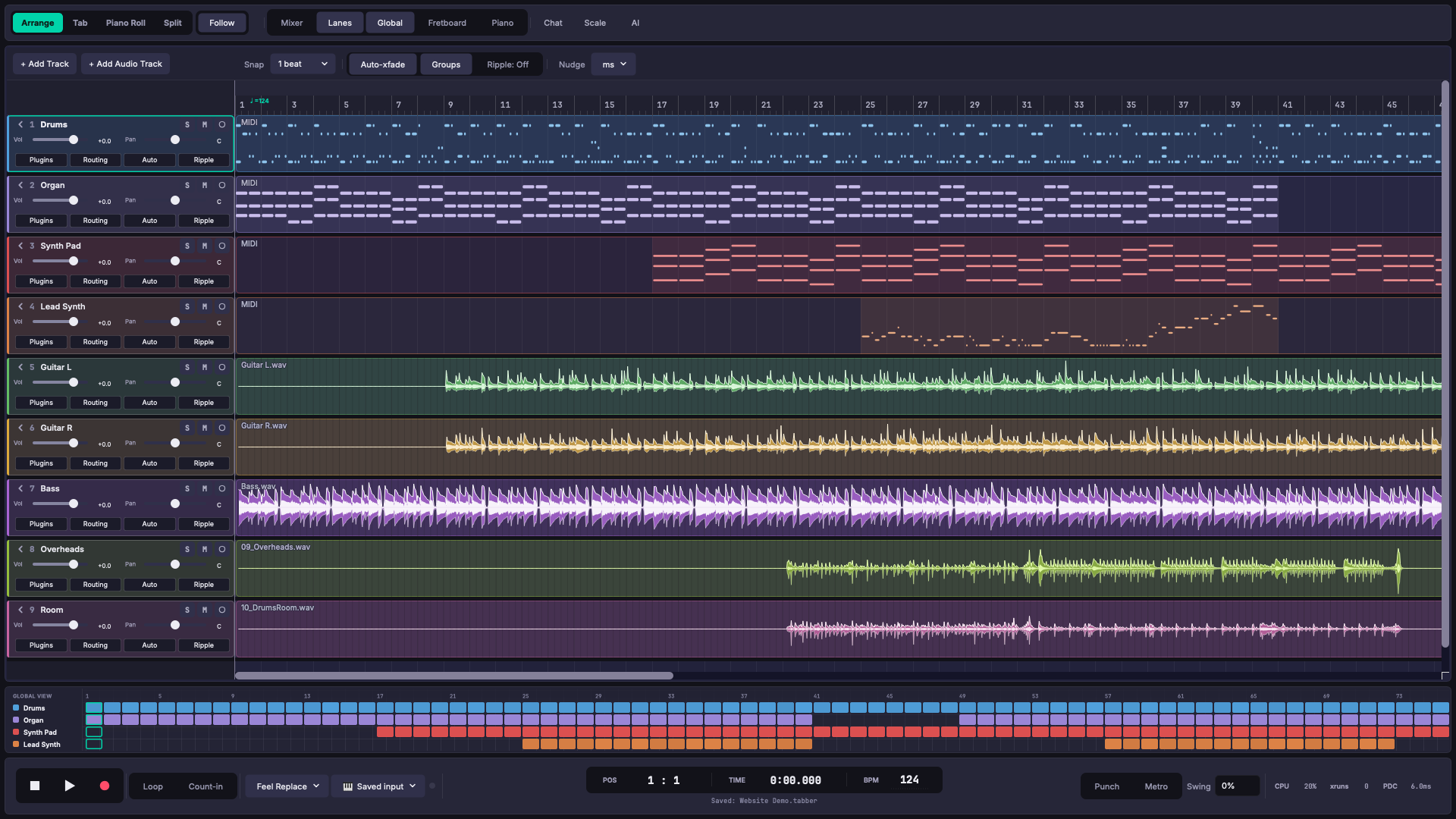
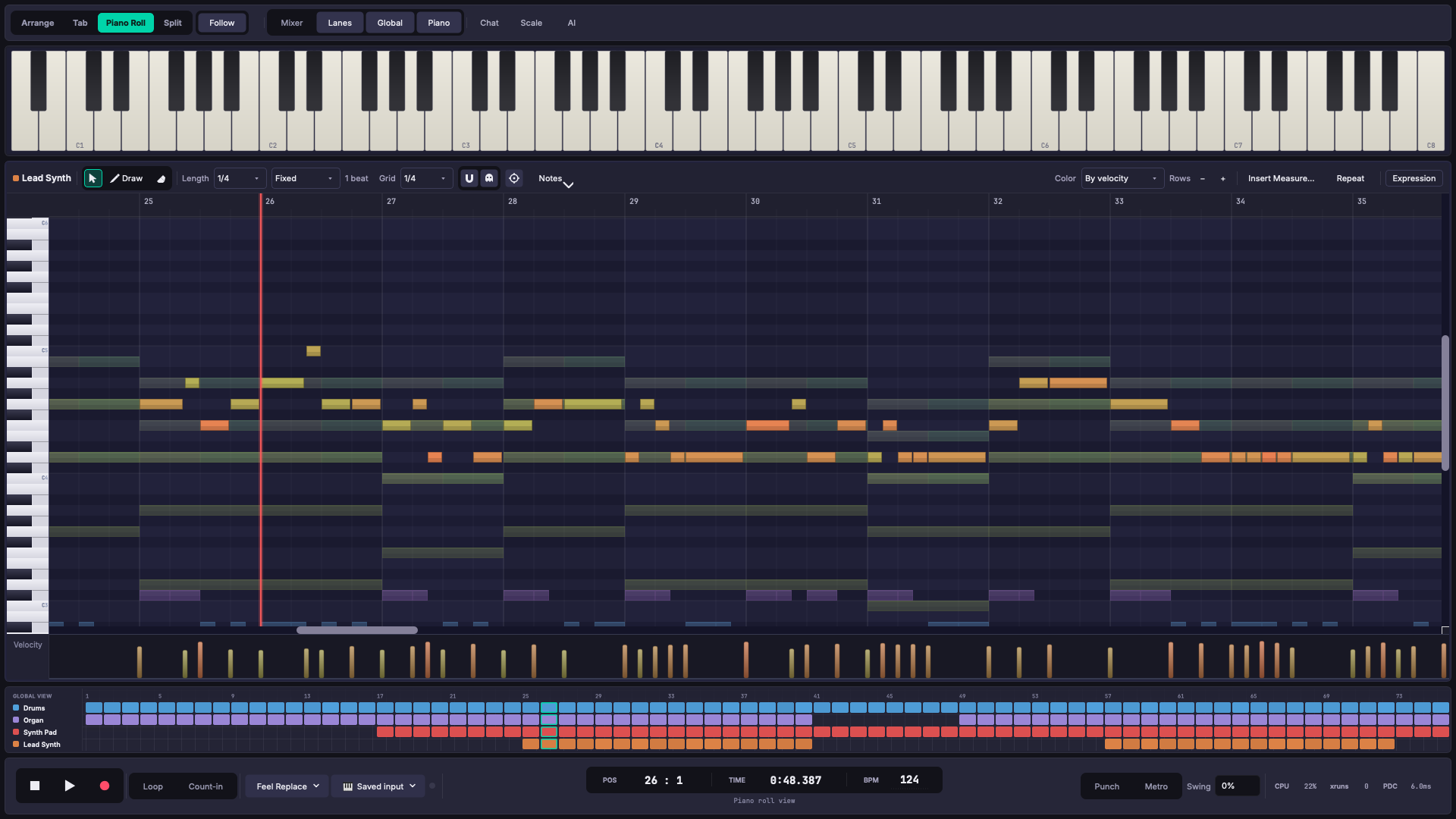
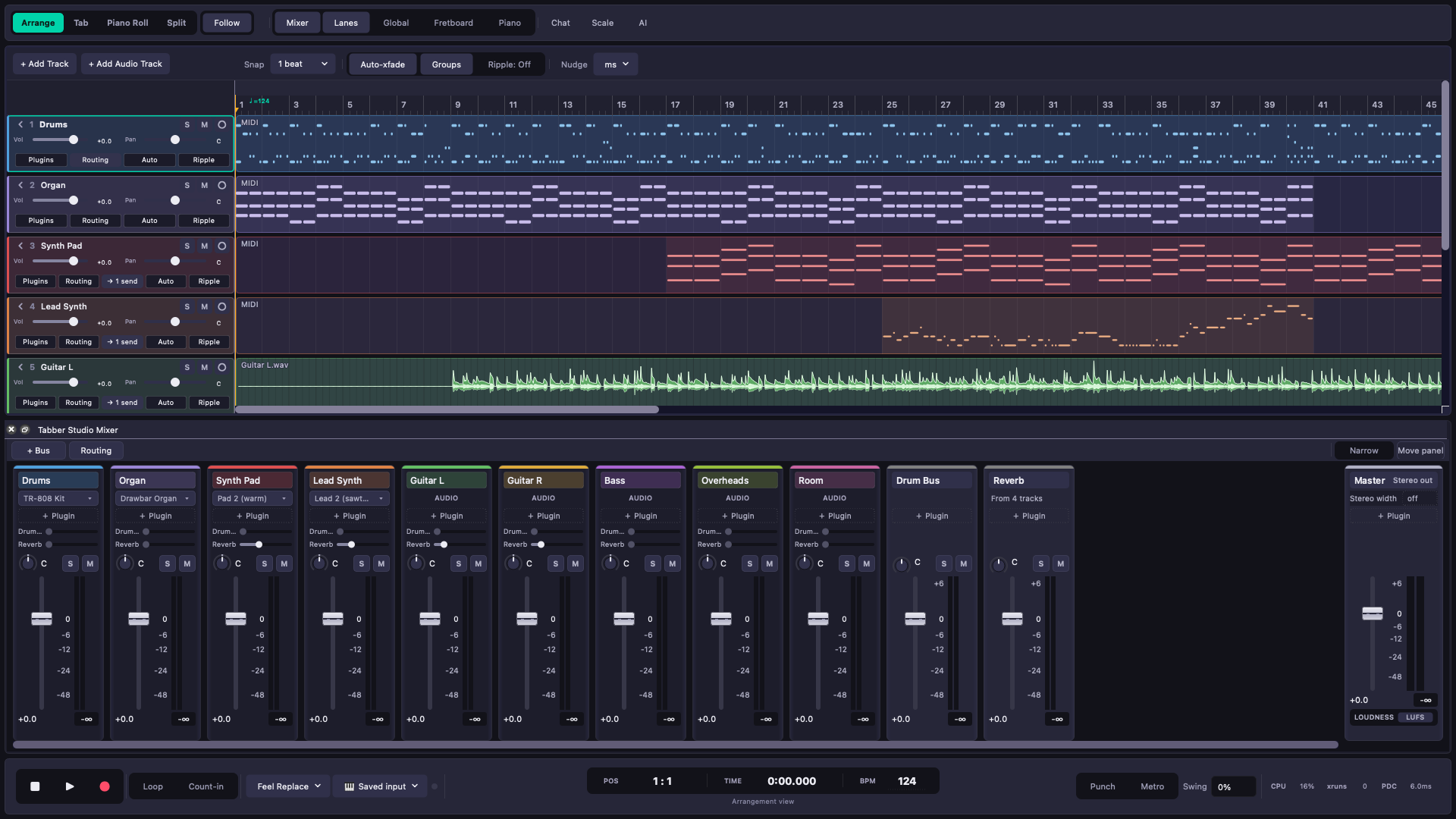
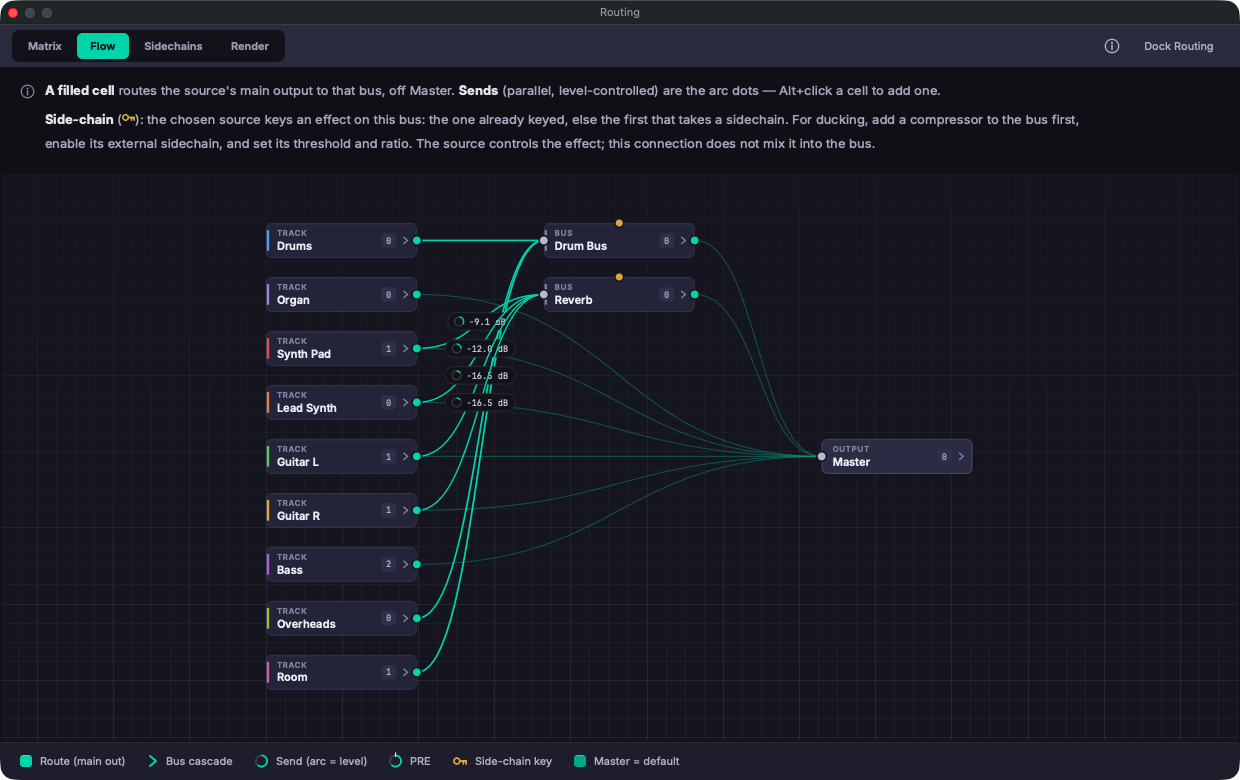
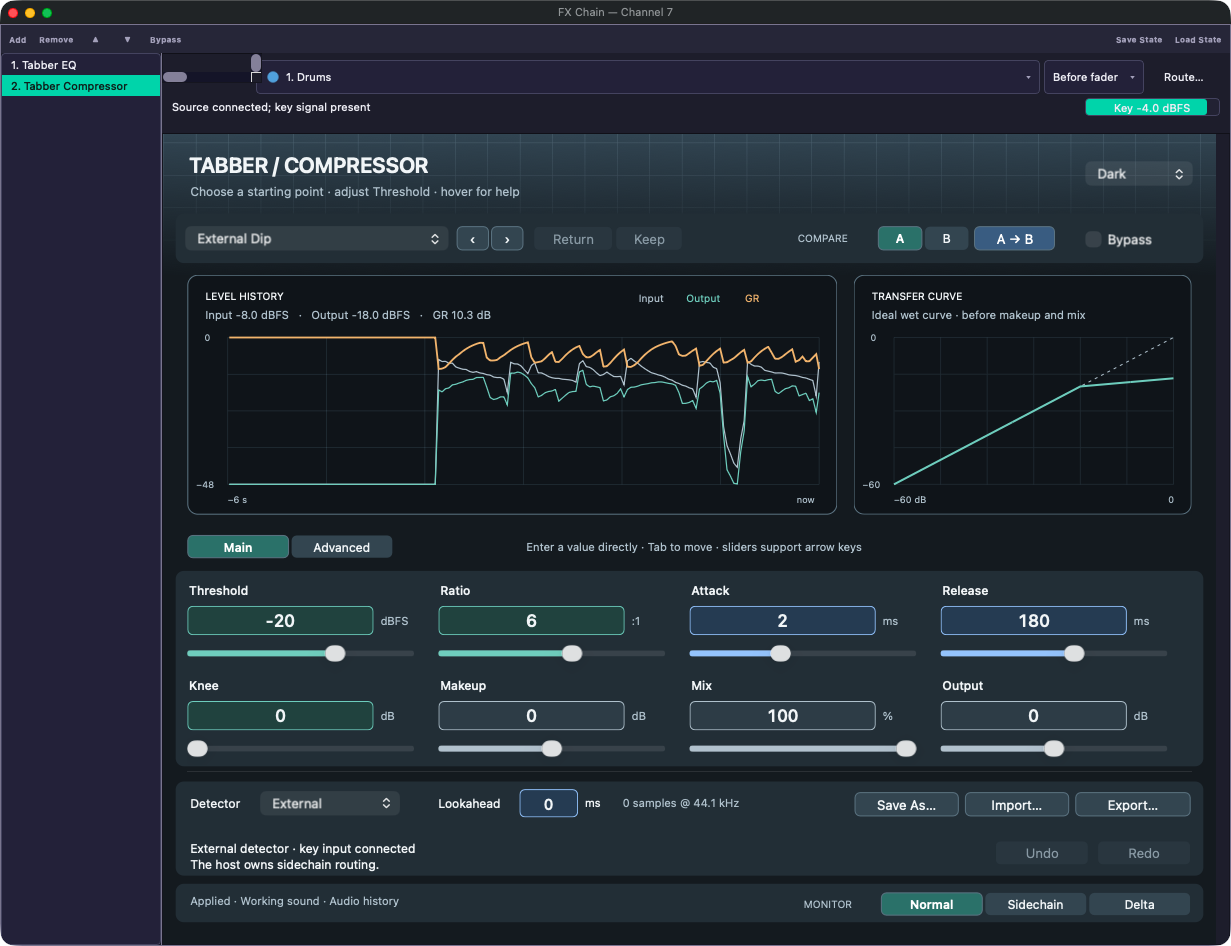
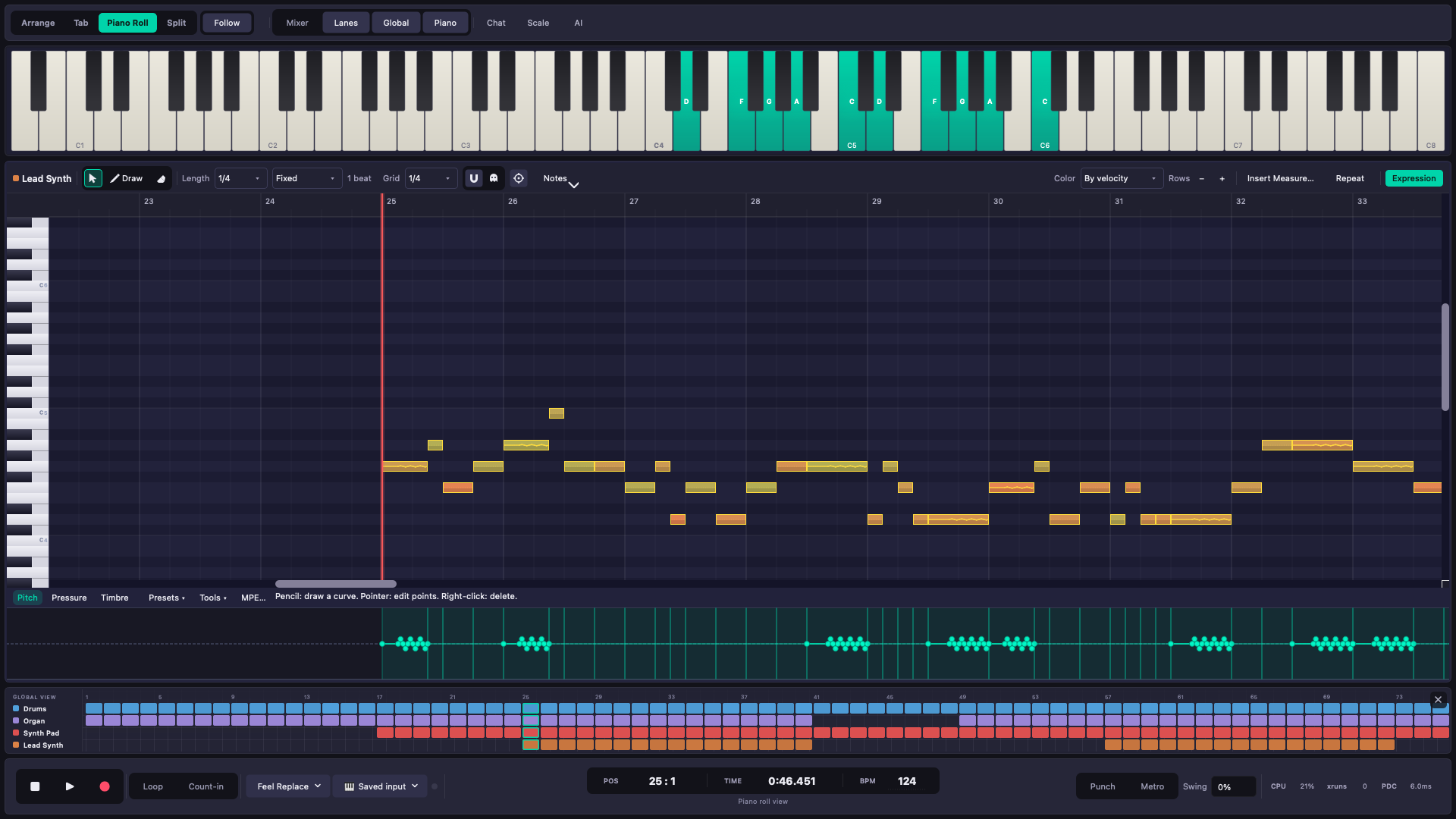
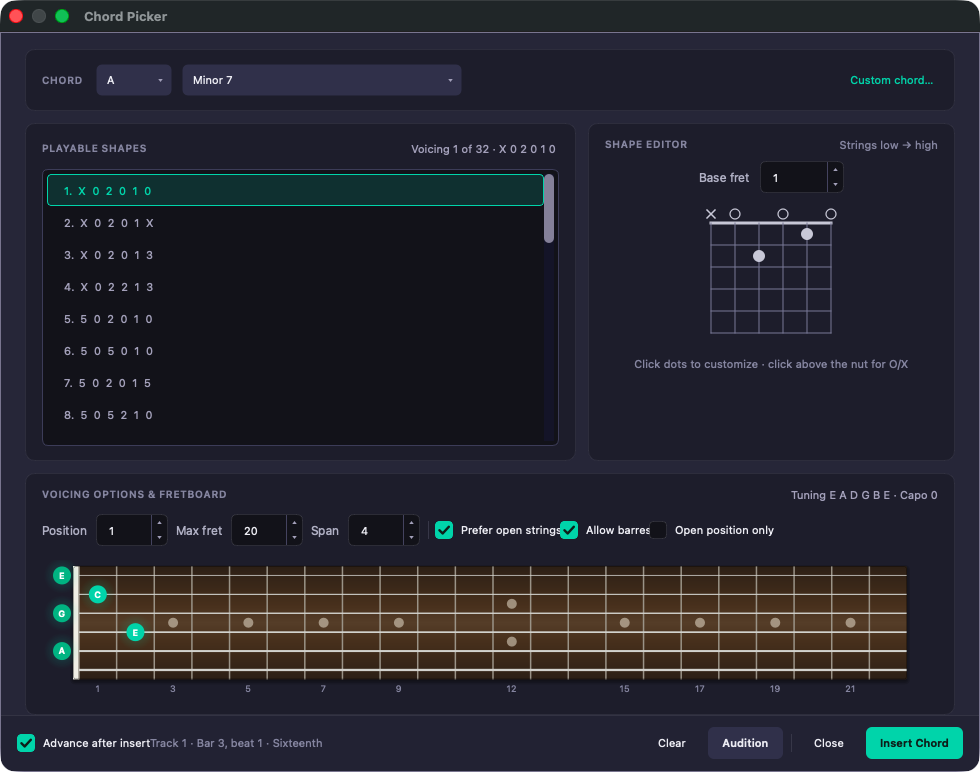
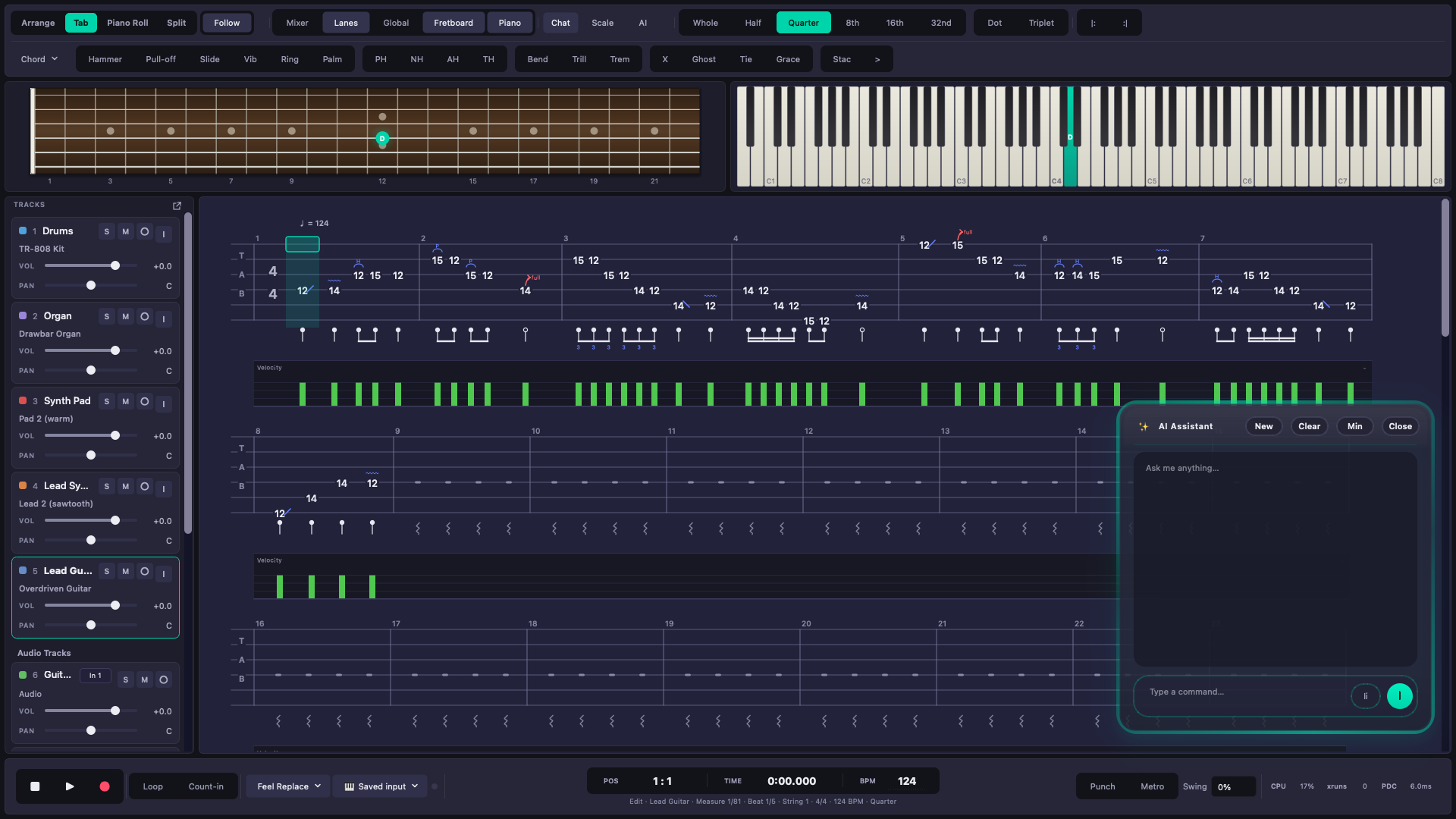
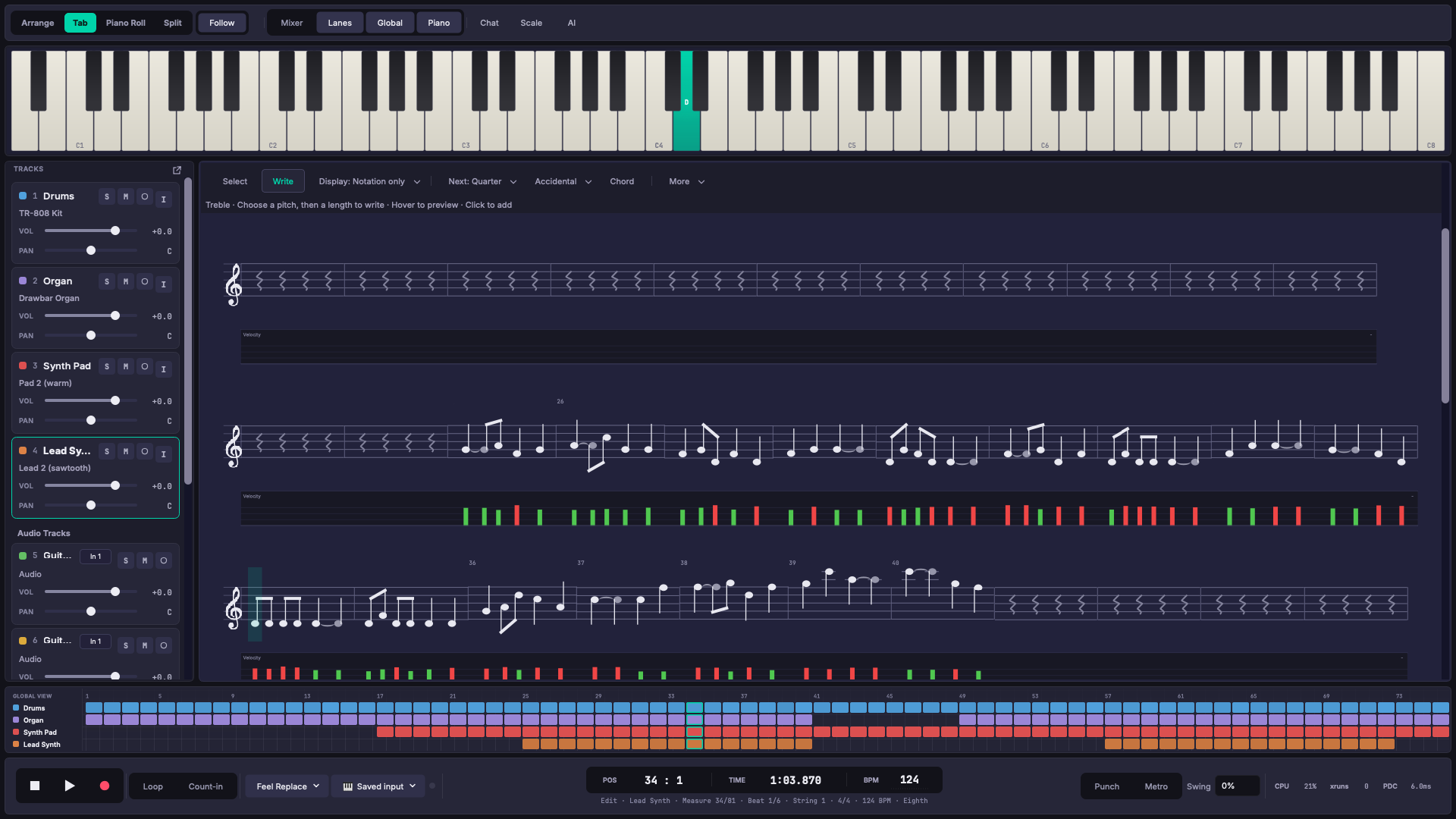
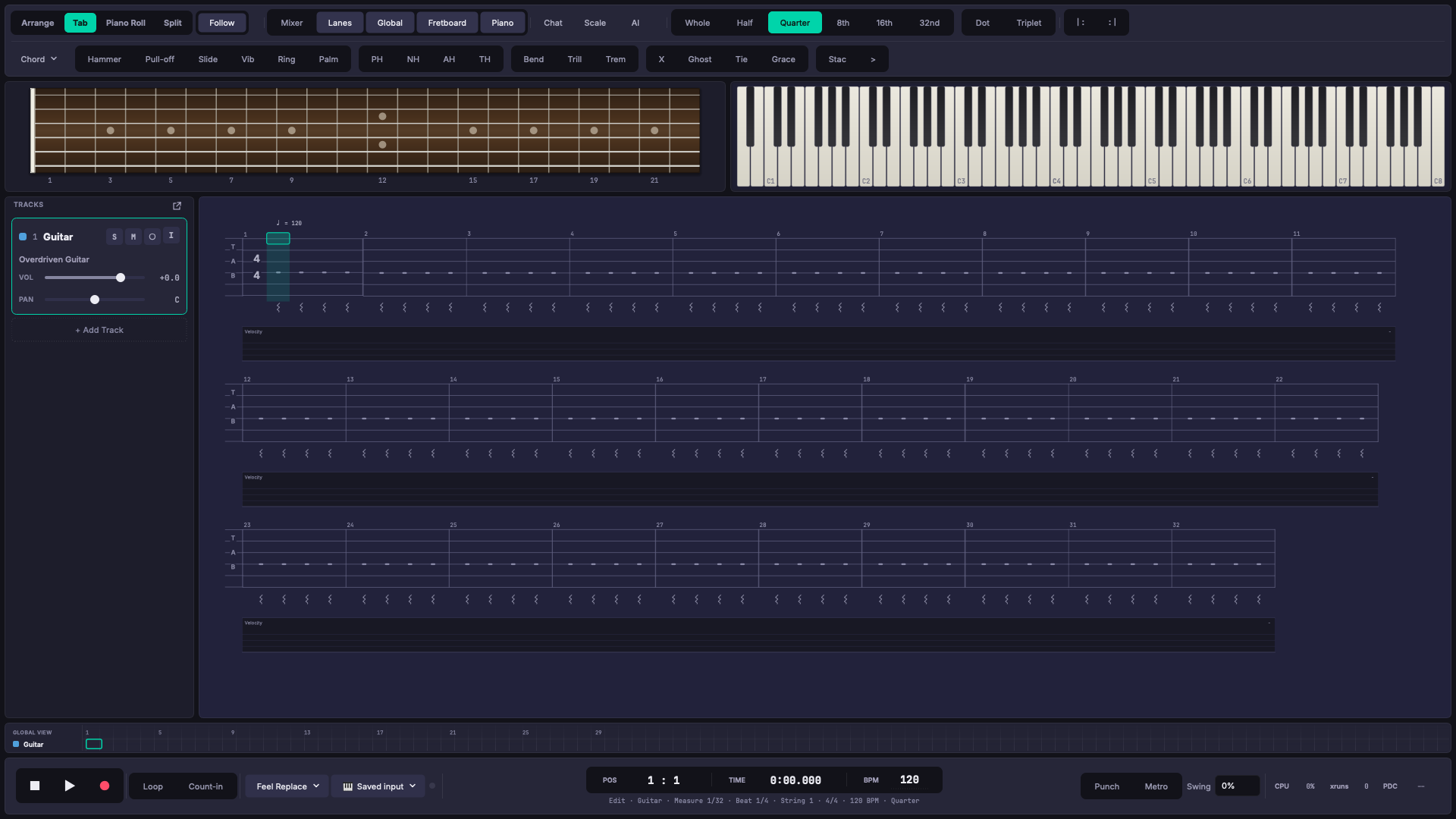
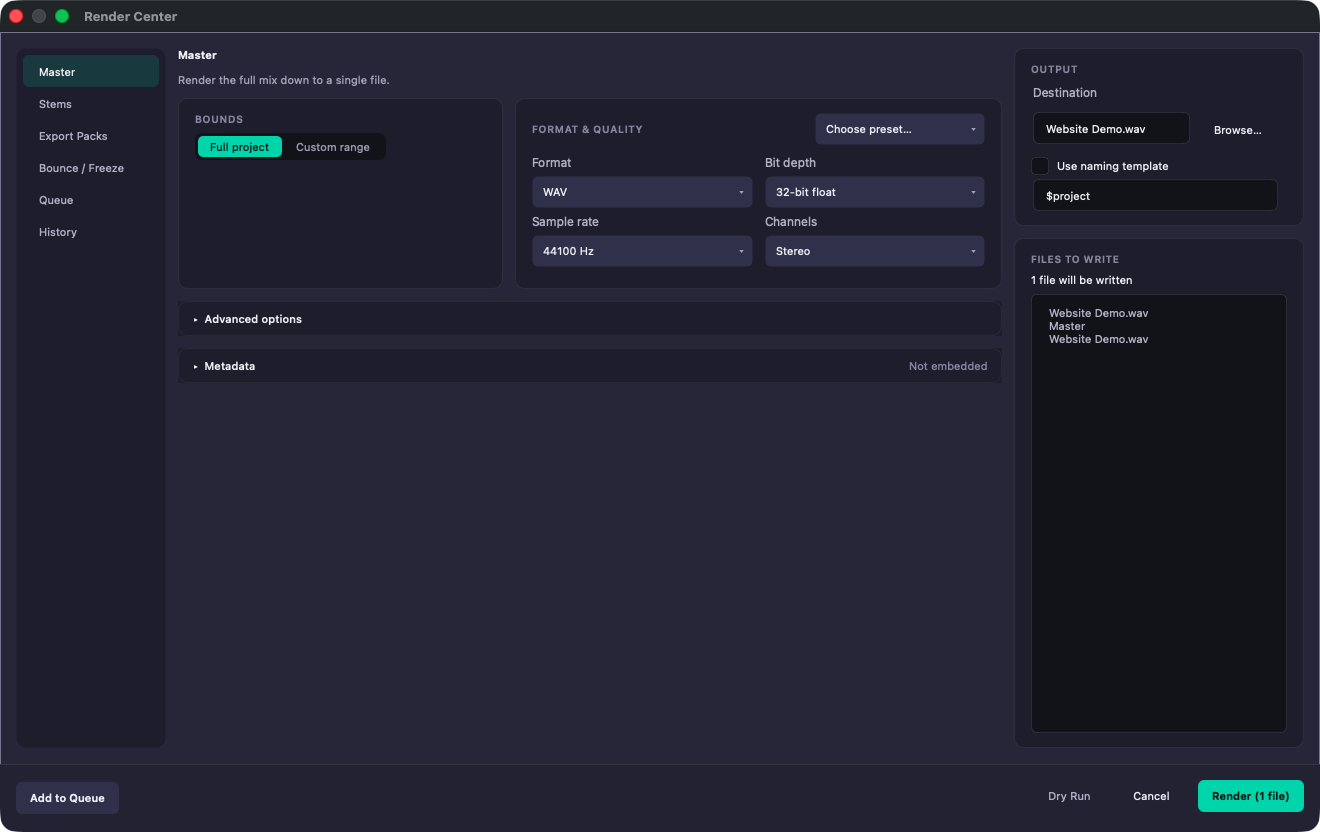
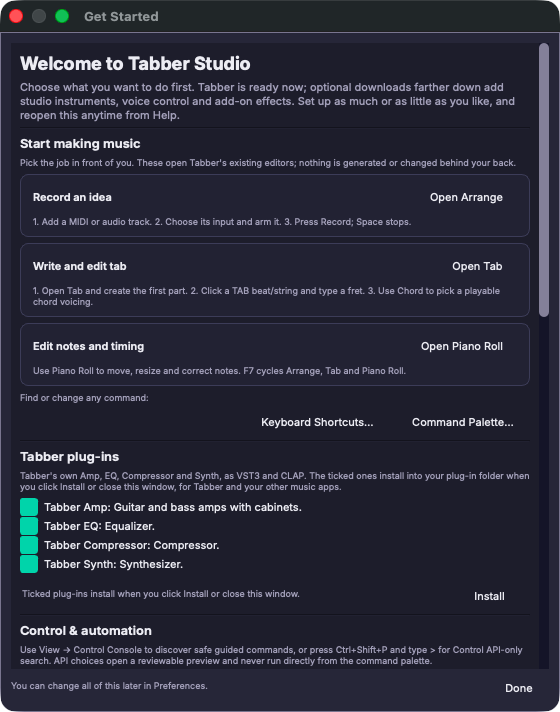
Tabber Studio keeps the written part and the produced track together. Every edit stays in the same project.
Record guitars, vocals, instruments, and MIDI directly into the arrangement.
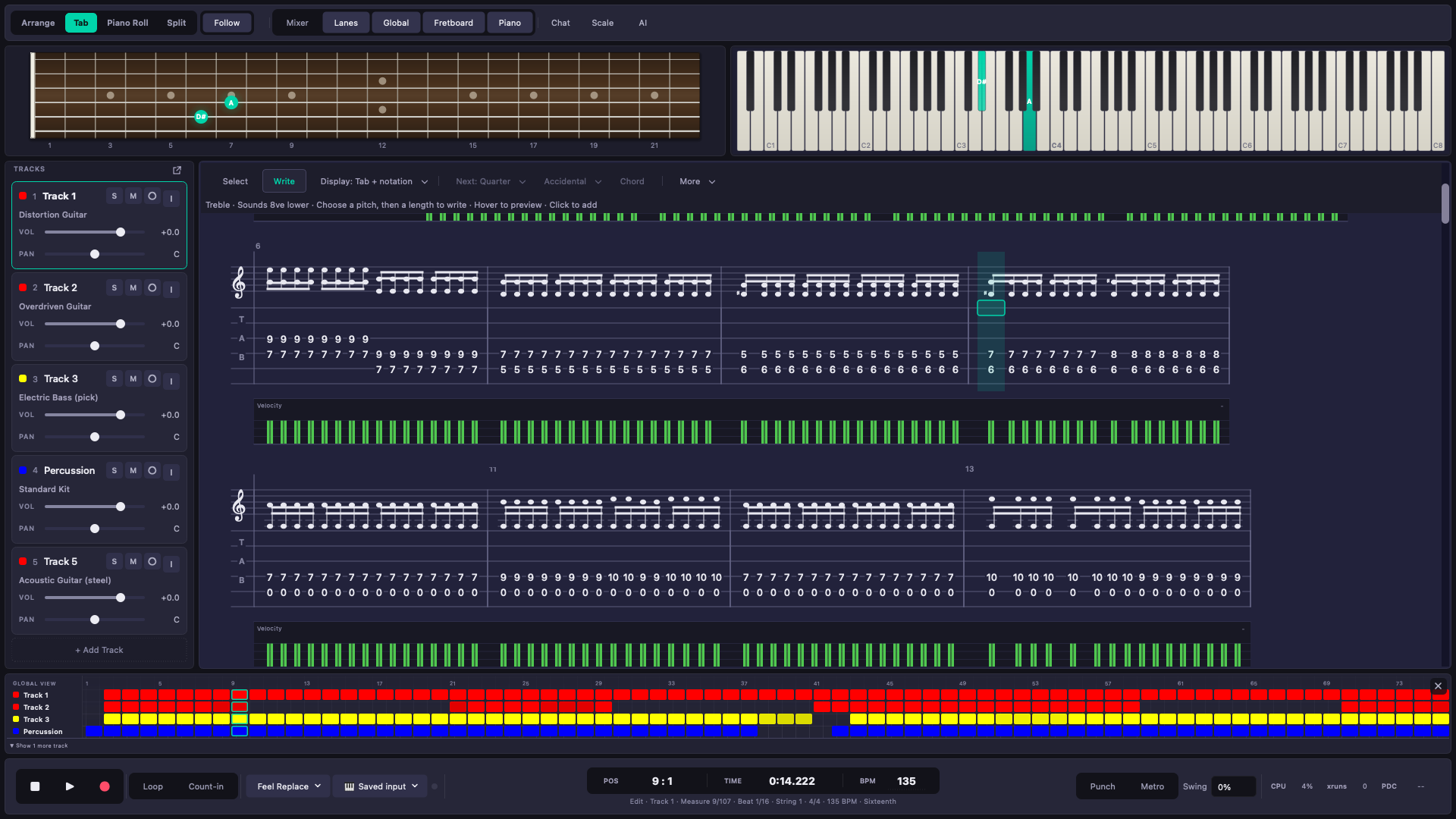
Edit guitar and bass tablature beside standard notation, a fretboard, and a piano.
Draw and edit notes, velocity, control data, pitch, and expression.
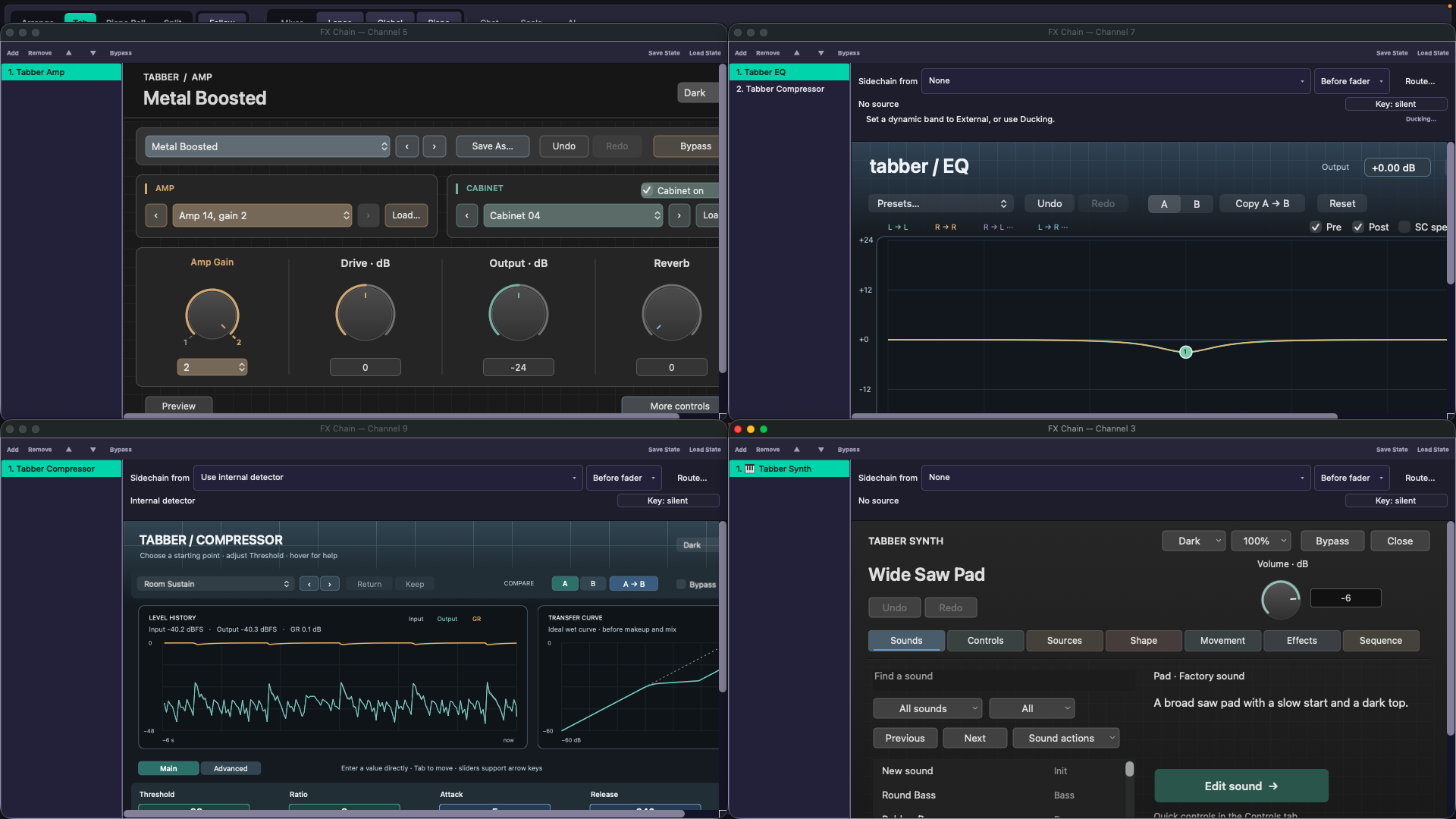
Use your existing instruments and effects with saved state and automation.
Build buses, sends, sidechains, and multi-output routes with a readable signal path.
Automate track, plugin, and master parameters through playback and rendering.
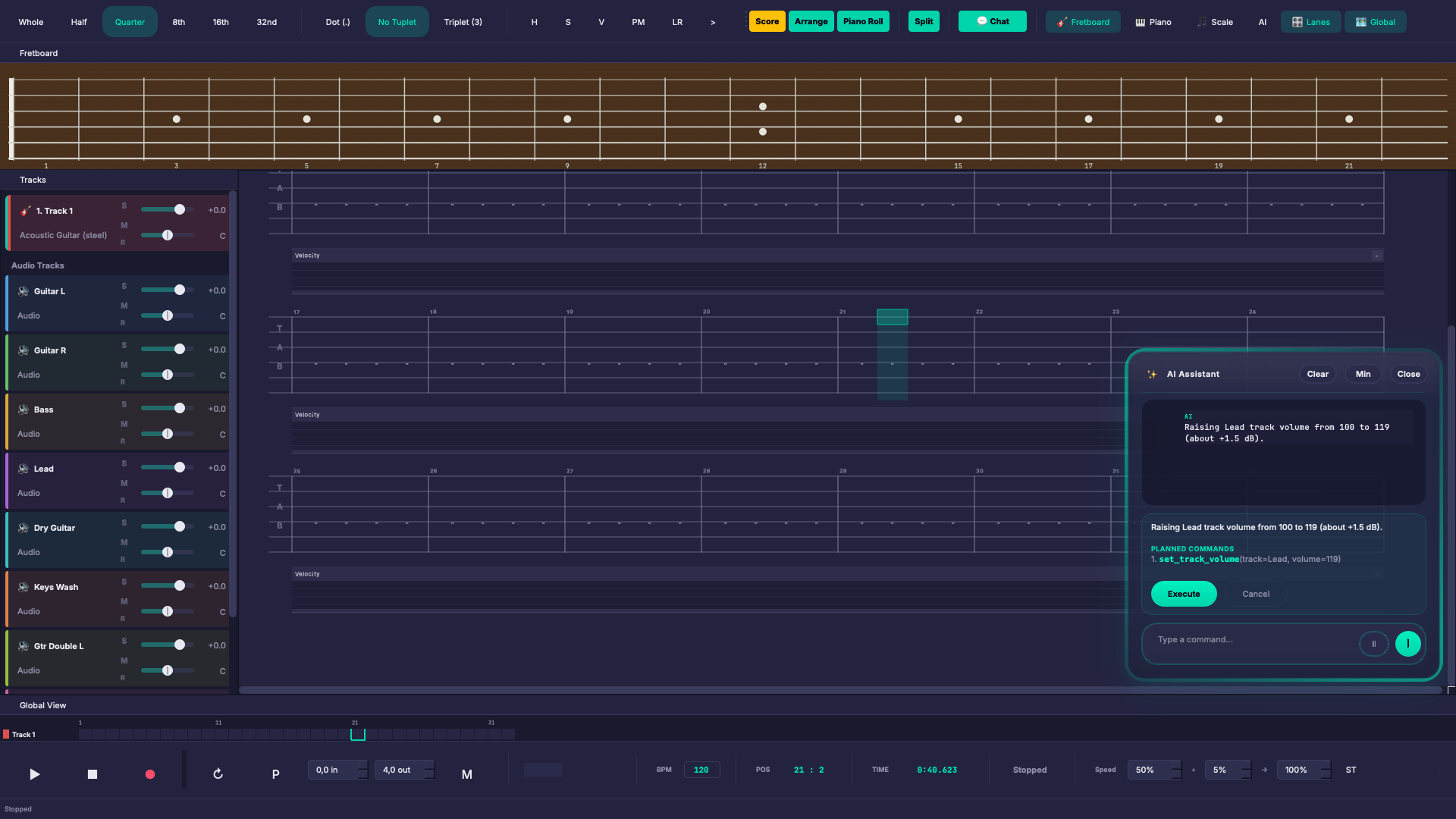
Turn plain-language requests into commands that are shown before they run.
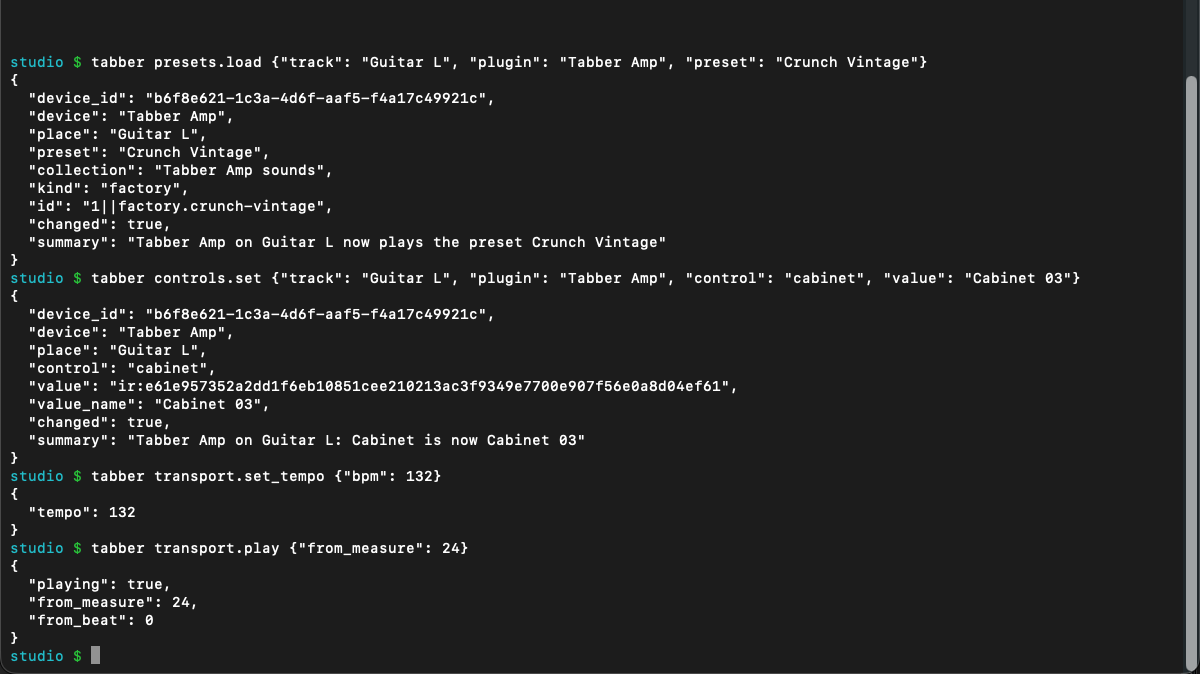
Control projects, tracks, transport, mixing, and rendering through a local API.
Almost everything in Tabber has a command in its local Control API: tracks, transport, mixing, routing, plug-ins and presets. Scripts and the terminal use it, and so does the optional chat, so Tabber is easy to automate and to drive without the mouse.
The chat is there to operate the app: open a window, set a level, load a preset, route a track. It is not a music generator. The music stays yours.
Free public alpha
This is an early public build. Save copies of important projects, expect rough edges, and send feedback when something gets in your way.
The Mac download is for Apple Silicon (M-series) Macs. To check, open Apple menu > About This Mac. A build for Intel Macs is coming later.
SHA-256: Tabber-Studio-0.3.16-macOS-arm64.dmg
bc64caef234a2adea997774a0cd0f976a5b16917f7b4d4b3e5d1a16de93c1bb3
The Windows and Linux versions are coming later.
Tell me what is confusing, unreliable, missing, or genuinely useful. That will decide what gets fixed next.
Or write to halibothalibot@gmail.com